
How to Check Your Pension Booster Balance in My.SSS
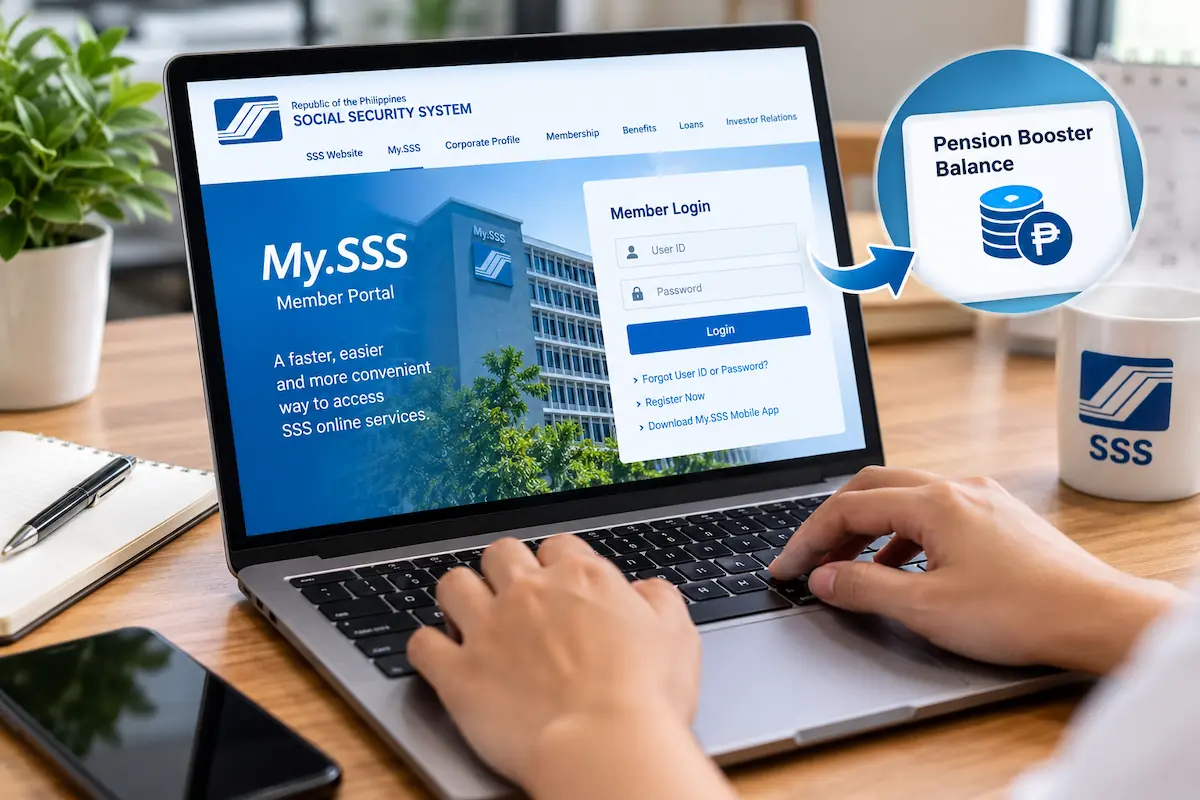
The MySSS Pension Booster is a voluntary savings and investment program for SSS members. The Social Security System allows SSS members to enroll in the Pension Booster to increase their savings in the present and boost their pension after retirement.
The MySSS Pension Booster Balance Check Online is available at MySSS website and also in the MySSS Mobile App. You should check your pension booster balance regularly to confirm that your contributions are credited to your account.
MySSS Pension Booster [WISP Plus or Voluntary Pension Booster]
The MySSS Pension Booster is a voluntary scheme for all SSS members. The SSS members who want to save more to increase their SSS pension in the future should enroll in the pension booster.
The Social Security System has not put any minimum salary condition for the pension booster enrollment. All SSS members who have not applied for find claim benefit, can enroll for MySSS Pension Booster Scheme.
The WISP Plus and Voluntary Pension Booster are other names of the MySSS Pension Booster program.
MySSS Pension Booster Eligibility Requirements
All SSS members are eligible to enroll for pension booster if they meet the two eligibility requirements mentioned below_
- The member has posted at least one regular contribution to the SSS.
- The member has not yet filed their final benefit claim.
Quickest Ways to Check Your Pension Booster Balance Online
Every SSS Member can check their SSS contributions and MySSS Pension Booster Balance online using their My.SSS Account. If you have a My.SSS Account and you remember your User ID & Password then you can check your pension booster balance and contributions details using following two methods.
- Check Your Pension Booster Balance Online at My.SSS Member Portal
- Check Your Pension Booster Balance Online via MySSS Mobile App
Check Your Pension Booster Balance Online
To check your pension booster balance online, you need to computer or laptop with stable internet connection. You must remember your Registered User ID and Password to login to My.SSS Member Portal. Kindly follow the step-by-step process to check your SSS pension booster balance and recent contributions transactions online.
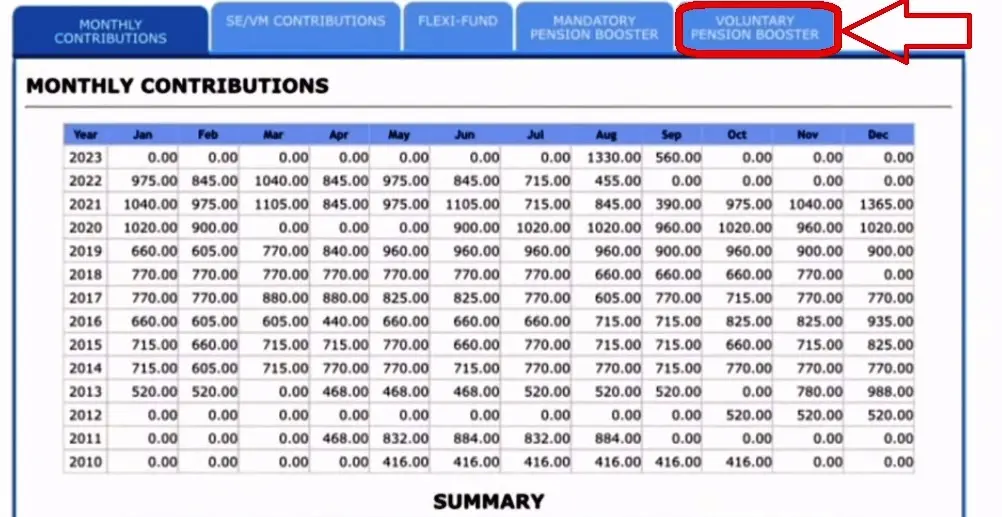
- Go to My.SSS Member Portal at member.sss.gov.ph.
- Enter your Registered User ID and Password, then click on Sign In button.
- Find and Select Inquiry tab and click on Contributions. If you can’t find Inquiry, look for Services or Member Info and then select Contributions.
- Here you can see your regular SS contributions, kindly click on the tab labeled as MySSS Pension Booster or Voluntary Pension Booster or WISP Plus.
- Check your contributions to pension booster and also check your pension booster balance.
Check Your Pension Booster Balance via MySSS Mobile App
You must download MySSS App on your mobile phone from Play Store or App Store. Thereafter follow the steps given below to check your pension booster balance online in MySSS mobile app.
- Open MySSS App on your phone.
- Login to your account using your Registered User ID and Password.
- After successful login, find out Contributions or Pension Booster under Member Info tab and tap on it.
- Check your pension booster balance and recent contributions.
In this way, you can MySSS Pension Booster Balance Online at My.SSS Portal and also by using MySSS App on your mobile phone.
Conclusion:
The MySSS Pension Booster is a voluntary investment option for every SSS member. If you contribute to the pension booster every month, you should check your pension booster balance and contributions on a regular basis.
Above I have explained the methods for checking MySSS Pension Booster Balance Online at My.SSS Member Portal and also via MySSS App on your mobile phone.
In case you have a query or doubt about any information shared in this article, you can ask it in the comment section given below.
FAQs
What is SSS Pension Booster?
The SSS Pension Booster is an additional option for all SSS members who want to save more in present to boost their SSS pension after retirement or serious contingencies like disability or death.
Who is eligible for MySSS Pension Booster?
All SSS members are eligible for MySSS Pension Booster except the members who have claimed the final retirement benefit or have already started receiving their monthly pension.
What is minimum salary to enroll for MySSS pension booster?
There is no minimum salary required to enroll for MySSS pension booster, every SSS member can enroll for it if they want to.
What is the lowest premium to enroll for Pension Booster?
The lowest premium to enroll for Pension Booster is ?500 only. You can start saving with just ?500 to start extra savings with MySSS Pension Booster.